
How to Effectively Reduce Humidity in Your Server Room: A Complete Guide by Annair
In the digital era, your server room is the heart of your business operations. While most IT managers focus heavily on temperature control, humidity is often the "silent killer" of expensive hardware. High humidity leads to condensation and corrosion, while low humidity triggers electrostatic discharge (ESD).
At Annair Drychill Tech, we specialize in precision air treatment. In this post, we’ll explore how to maintain the perfect balance and why choosing the right equipment is critical for your data center's health.
Why Humidity Control Matters for IT Infrastructure
Servers and networking gear are highly sensitive to moisture levels. When relative humidity (RH) exceeds the recommended range, several risks emerge:
Condensation: Moisture can form on circuit boards, leading to immediate short circuits.
Hardware Corrosion: Chronic high humidity accelerates the oxidation of metal connectors and internal components.
Reduced Cooling Efficiency: Damp air holds more heat, forcing your AC units to work harder and increasing energy bills.
Mold Growth: High-moisture environments can lead to biological growth that clogs ventilation and air filters.
What is the Ideal Humidity Level?
According to industry standards (Annair), the optimal humidity for a server room is between 40% and 55% RH. Maintaining this "sweet spot" ensures equipment longevity and 24/7 uptime.
5 Steps to Reduce Humidity in Your Server Room
1. Install a Dedicated Dehumidifier
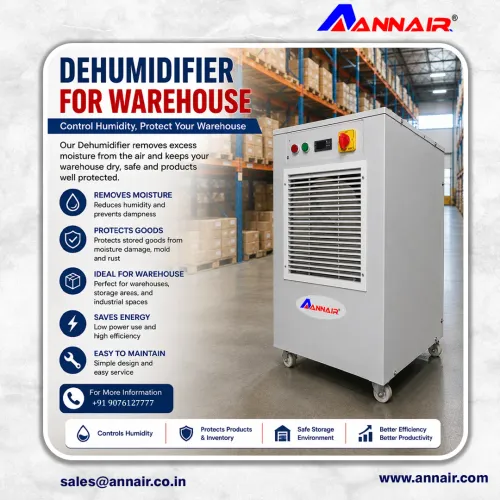
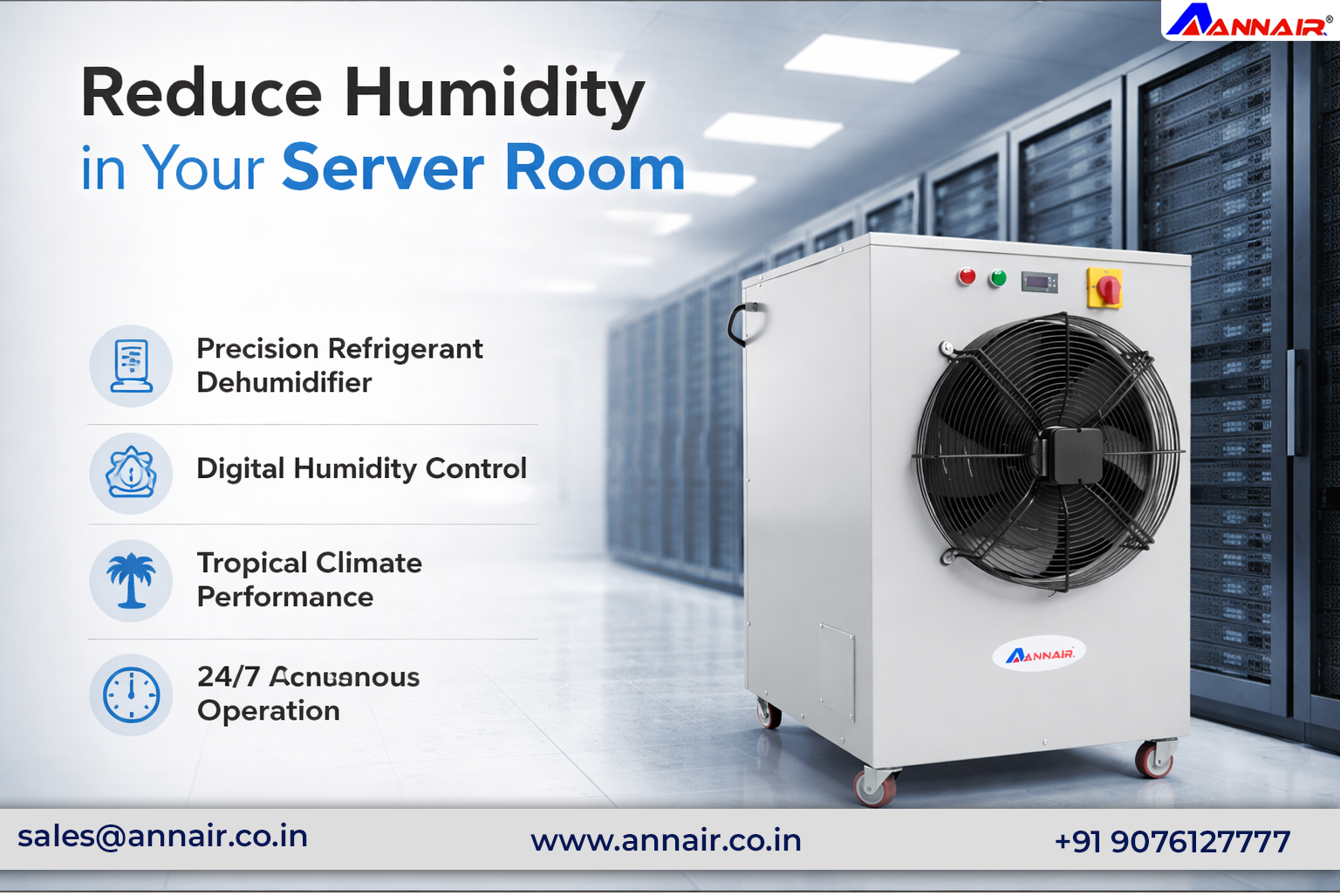
Standard comfort air conditioners are designed to cool people, not manage the heavy latent heat and moisture loads of a data center. The most effective solution is a professional-grade unit like the Annair ComfyDry.
Annair Advantage: Our ComfyDry series offers precision refrigeration-based dehumidification specifically engineered for 24/7 server environments.
2. Seal the Room (Vapor Barrier)
Humidity often "leaks" into server rooms through porous walls, gaps under doors, or ceiling tiles. Ensure your server room is well-sealed.
Check for gaps in cable entry points.
Use weather-stripping on doors.
Ensure the room has a proper vapor barrier in the walls and floor.
3. Use Focused Cooling (Panel Air Conditioners)
Sometimes, the room itself is fine, but "hot spots" within the rack cause localized humidity issues. Annair Panel Air Conditioners mount directly onto your server cabinets.
The Benefit: By cooling the equipment directly in a closed-loop system, you prevent external humid air from ever reaching your sensitive electronics.
4. Monitor with Precision Sensors
You cannot manage what you do not measure. Install digital hygrometers and humidity sensors at multiple points:
At the air intake (front of the rack).
At the exhaust (back of the rack).
Near the floor and ceiling.
Why Choose Annair for Your Server Room?
With over 12,000 installations worldwide, Annair Drychill Tech India is a trusted name in industrial air treatment. Our solutions are designed for tropical climates where high ambient humidity is a constant challenge.
Energy Efficient: Our units utilize eco-friendly refrigerants and high-efficiency evaporators to lower your PUE (power usage effectiveness).
Low Noise Design: Engineered to operate quietly within office or IT environments.
Automatic Control: Set your target RH, and our systems handle the rest with automatic drainage and digital monitoring.
Protect Your Data Today
Keep your server room safe from humidity. Choose Annair’s ComfyDry or Panel AC solutions for reliable protection.
Contact Annair Drychill Tech India Pvt. Ltd.
📞 Call: +91 9076127777
📧 Email: sales@annair.co.in
🌐 Website: www.annair.co.in